Keeping track of everything in your pantry can become surprisingly difficult, especially when food items are stored across different shelves, cabinets, bins, and storage areas. A printable pantry inventory template gives you a simple place to record what you have, how much is available, and which items may need attention.
Instead of relying on memory every time you prepare a grocery list, you can use a pantry inventory worksheet to create a quick overview of your food supplies. You can record item names, categories, quantities, expiration dates, and other details that make pantry organization easier.
This page provides practical information about creating and maintaining a pantry inventory, along with three free printable templates for different needs. You can choose a basic inventory sheet, a more detailed pantry stock worksheet, or a dedicated expiration tracker.
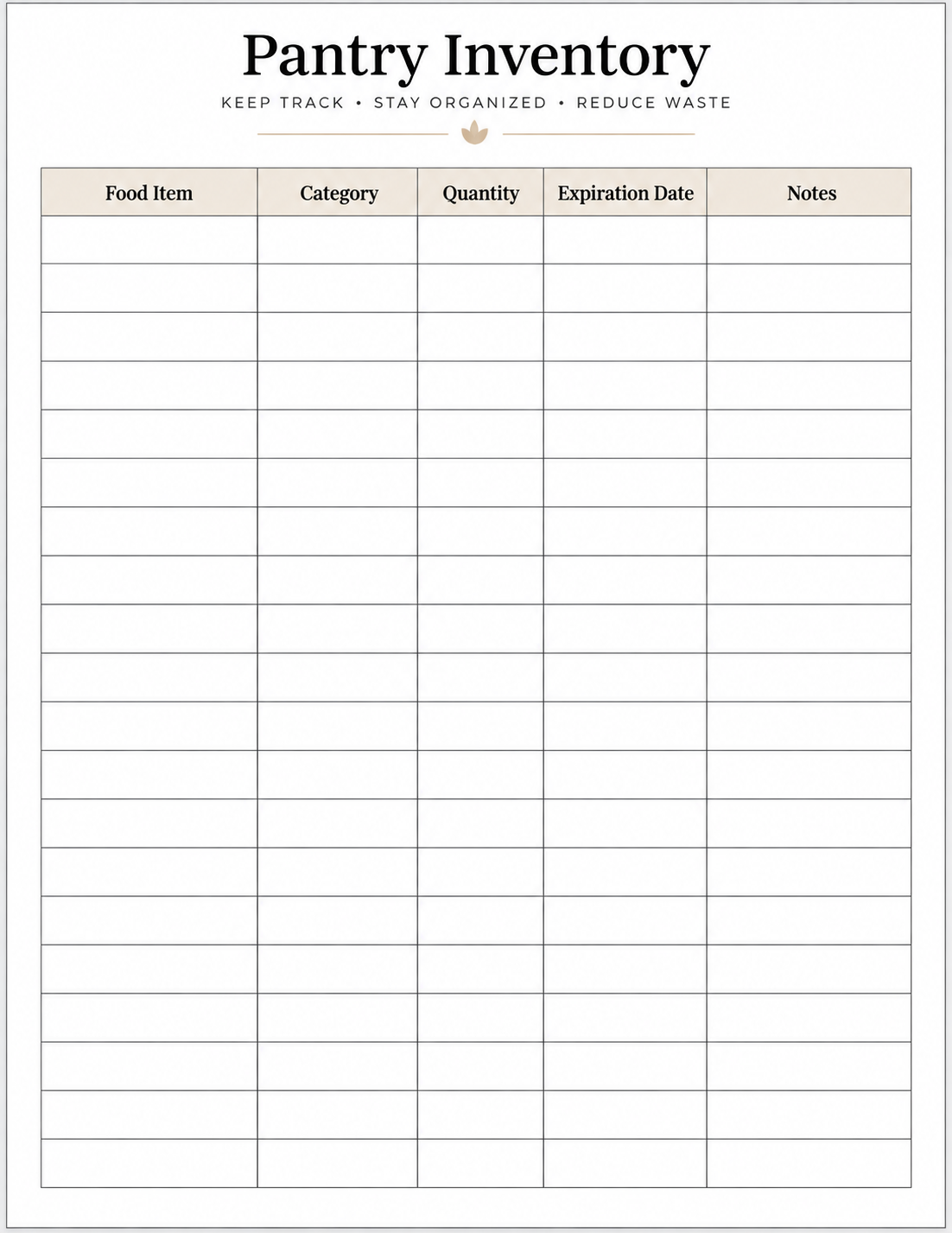
What Is a Pantry Inventory Template?
A pantry inventory template is a structured worksheet used to record the food and supplies stored in a pantry or similar storage area. Rather than keeping a mental list of everything you have, you can write each item into a designated row and record useful details such as its category, quantity, expiration date, or storage location.
A printable version is especially convenient for people who prefer writing things down instead of maintaining a digital spreadsheet. You can print the sheet, keep it in a convenient location, and update it whenever your pantry inventory changes.
What Can You Track?
The information you include depends on how detailed you want your inventory to be. A basic worksheet may only need the food item, category, quantity, expiration date, and notes. A more detailed pantry inventory can also include the unit of measurement, storage location, and restock status.
For example, you might record “Rice” under the food item column, “Grains” as the category, and “2” as the quantity. Adding an expiration date and a short note can make the record even more useful during your next inventory review.
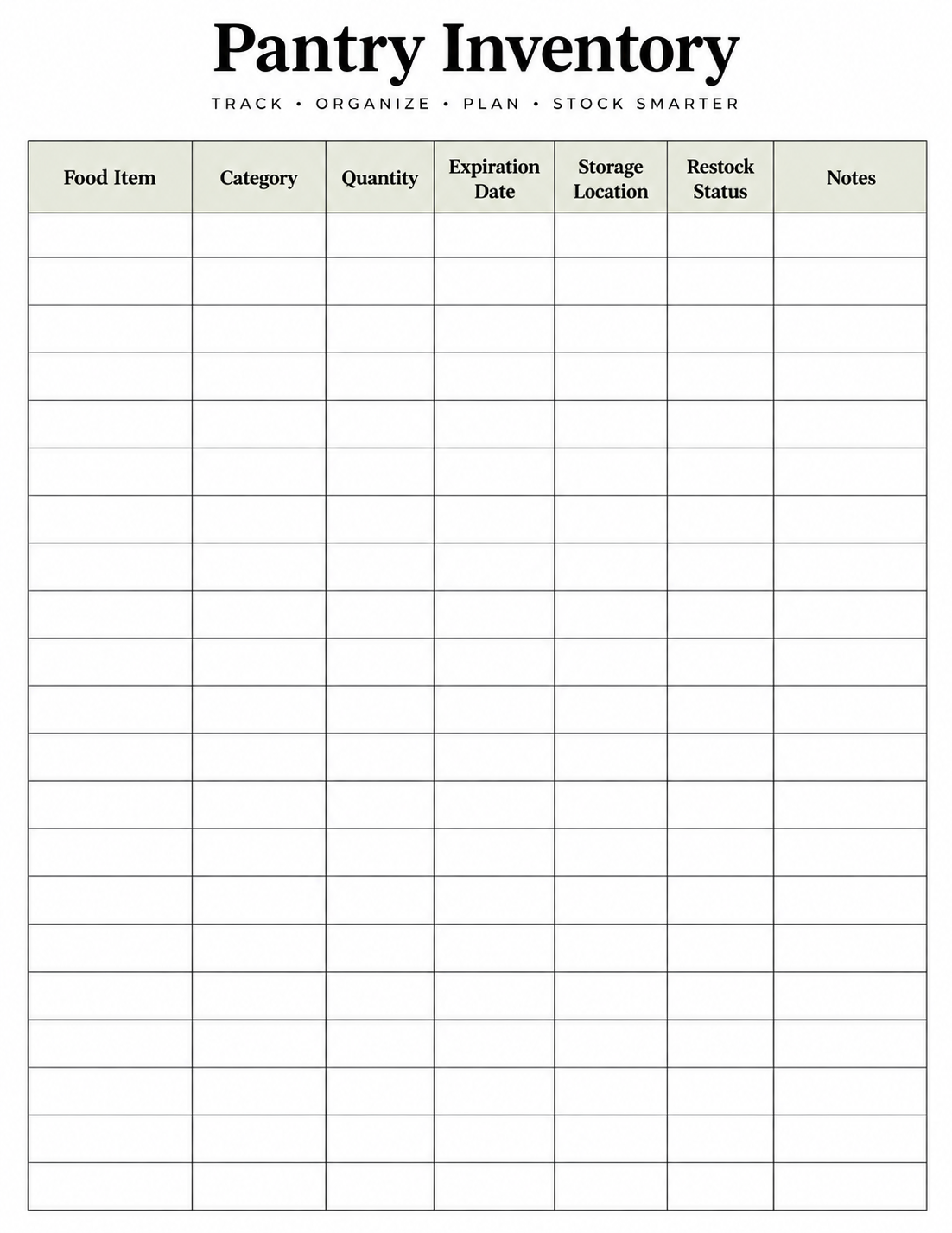
Why Use a Printable Pantry Inventory Template?
A pantry inventory does more than tell you what is sitting on a shelf. When maintained consistently, it can make everyday food management more organized and reduce the amount of time you spend checking cabinets before shopping.
A printed worksheet is also easy to understand at a glance. You do not need to open an app, navigate through a spreadsheet, or remember which digital list contains your pantry information. The sheet can stay in a convenient place and be updated when necessary.
- Know what you have: Keep a visible record of your current pantry supplies.
- Avoid duplicate purchases: Check your inventory before buying products you may already have.
- Find supplies faster: Organize items by category or storage area.
- Monitor expiration dates: Identify foods that should receive attention sooner.
- Spot low-stock items: Make it easier to notice when a staple needs replacing.
- Plan grocery shopping: Use your inventory as a reference when preparing a shopping list.
- Reduce unnecessary waste: Regular reviews can help prevent forgotten items from sitting unused.
What to Include in a Pantry Inventory Template
The best pantry inventory worksheet is not necessarily the one with the most columns. It is the one that contains information you will actually use. A household with a small pantry may only need a few fields, while a larger household may benefit from tracking storage locations and restocking status.
Food Item
This is the main field where you record the name of each item. Be as specific as necessary to distinguish similar products.
Category
Categories make a long inventory easier to scan. Common examples include grains, canned foods, baking supplies, snacks, breakfast foods, spices, sauces, and beverages.
Quantity and Unit
Recording quantity gives you a better idea of how much is available. A detailed inventory can also include a unit such as boxes, cans, bags, bottles, or packages.
Expiration Date
An expiration or best-before date can help you identify items that deserve attention. It is particularly useful when your pantry contains products purchased at different times.
Storage Location
If your supplies are stored in several cabinets, shelves, bins, or areas, a storage location field can save time when you need to find something.
Restock Status
A restock status can show whether an item is available, running low, or should be purchased soon. Simple labels such as In Stock, Low Stock, and Buy Soon are easy to understand.
Notes
The notes area gives you flexibility. You might use it for package details, storage reminders, or other information that does not fit neatly into another column.
How to Use a Printable Pantry Inventory Template
Creating a useful pantry inventory does not require a complicated system. The goal is to build a routine that is simple enough to maintain. Start with the areas where you normally store food and work through them systematically.
- Choose the pantry area. Decide which cabinets, shelves, bins, or storage areas you want to include.
- Group similar items. Organize foods into practical categories so they are easier to record and review.
- Record each item. Write down the products currently available in your pantry.
- Add quantities. Record how many packages, cans, bottles, boxes, or other units you have.
- Check expiration dates. Add dates when they are relevant and easy to verify.
- Mark items that need restocking. Identify products that are low or likely to be needed soon.
- Review the sheet regularly. Update your inventory after major grocery trips or whenever your supplies change significantly.
You do not need to update every line every time you use one item. A practical system is more valuable than one that requires so much maintenance that you eventually stop using it.
Pantry Inventory Categories You Can Track
Using categories can make a pantry inventory much easier to scan. Instead of looking through one long list, you can quickly find a particular group of supplies.
Depending on your household, useful pantry categories may include:
- Grains and rice
- Pasta
- Canned foods
- Baking supplies
- Breakfast foods
- Snacks
- Spices and seasonings
- Sauces and condiments
- Beverages
- Emergency food supplies
You can create your own categories based on the way your pantry is actually organized. There is no need to follow a rigid classification system. The best categories are the ones that help you find and review your supplies quickly.
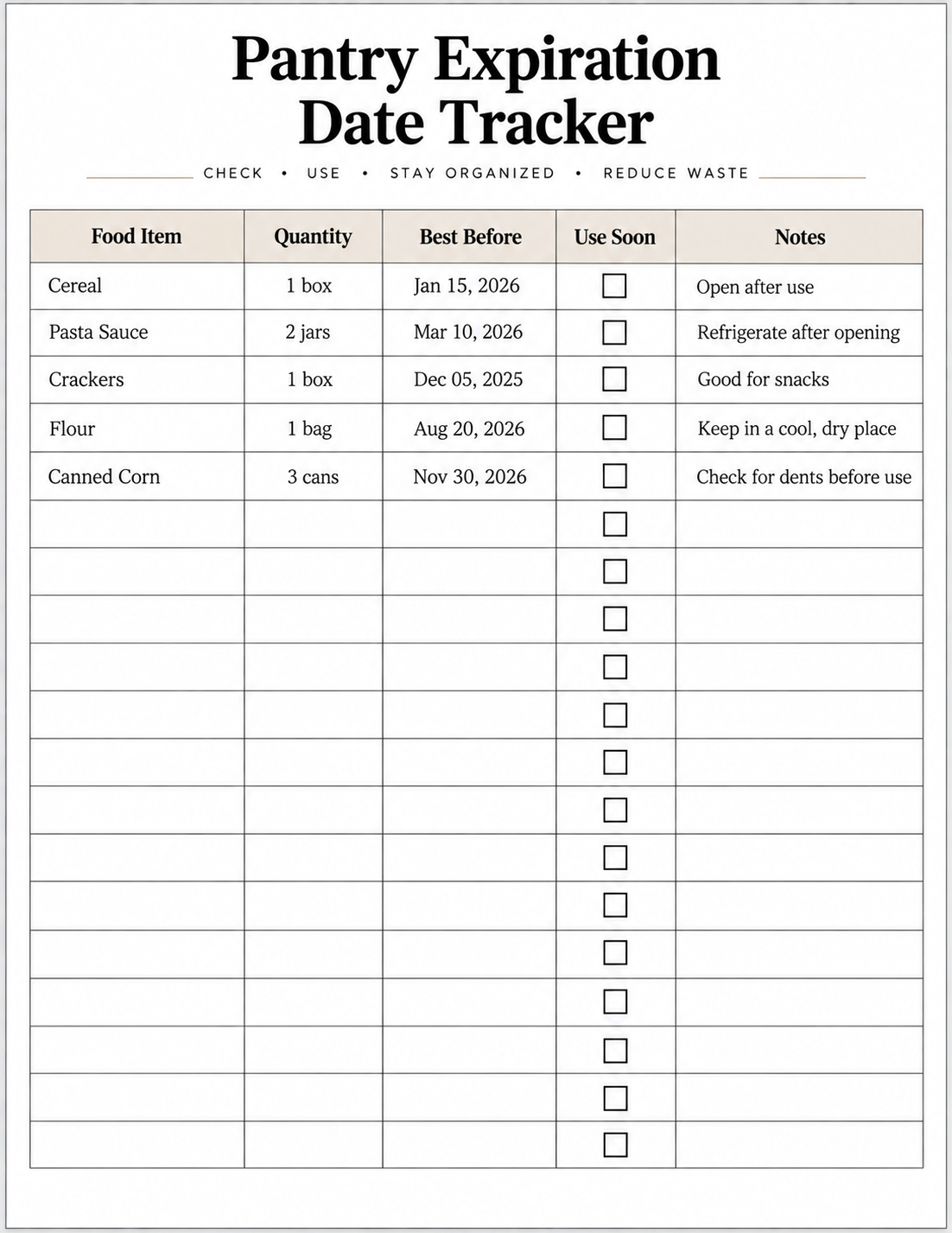
Pantry Expiration Date Tracking
Expiration dates can be one of the most useful pieces of information in a pantry inventory. Foods purchased at different times may have very different best-before dates, making it easy to overlook an older item when newer products are placed in front of it.
Recording relevant dates gives you a simple way to identify products that should receive attention. During a regular review, you can look for items approaching their best-before dates and decide which ones should be used soon.
Why Track Expiration Dates?
Date tracking can make pantry management more deliberate. Rather than discovering an older item only when you happen to move something behind it, you have a written reference that can be reviewed periodically.
How to Prioritize Food That Expires Soon
When reviewing your pantry, look for products with upcoming best-before dates and consider placing them somewhere more visible. You can also plan meals around ingredients that you want to use soon. The purpose of the tracker is not to create unnecessary complexity, but to make older supplies easier to notice.
Pantry Inventory vs. Grocery Shopping List
A pantry inventory and a grocery shopping list are related, but they serve different purposes. The inventory records what you already have, while the shopping list records what you need to purchase.
| Pantry Inventory | Grocery Shopping List |
|---|---|
| Records what you currently have | Records what you need to buy |
| Tracks existing quantities | Tracks planned purchases |
| May include expiration dates | Usually focuses on shopping needs |
| Updated as inventory changes | Often used before or during a shopping trip |
Using both can create a simple two-step system. First, review your pantry inventory to see what you already have. Then create a grocery shopping list based on items that are missing, running low, or needed for upcoming meals.
Free Printable Pantry Inventory Templates
Choose the pantry inventory template that best fits the way you organize your food supplies. The three printable resources below are designed for different levels of tracking, so you can use the one that matches your routine.
The Basic Pantry Inventory keeps tracking simple. The Detailed Pantry Inventory provides additional fields for storage and restocking. The Pantry Expiration Tracker focuses specifically on best-before dates and items that should be used soon.
Basic Pantry Inventory Template
The Basic Pantry Inventory is a good choice if you want a straightforward worksheet without too many fields. It provides space to record the food item, category, quantity, expiration date, and notes. The worksheet also includes fields for the date updated and pantry area.
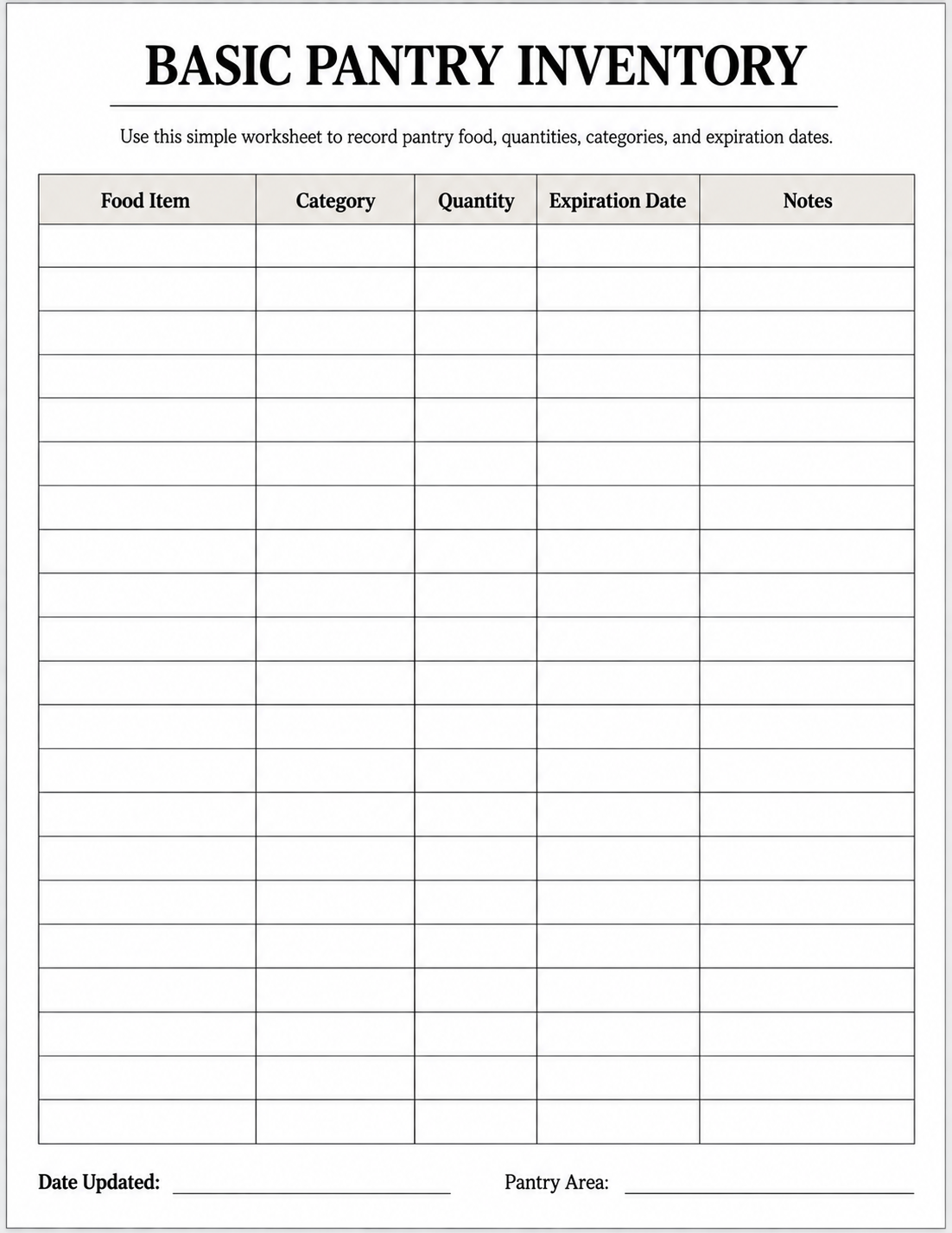
What’s included:
- Food Item
- Category
- Quantity
- Expiration Date
- Notes
- Date Updated
- Pantry Area
Download Basic Pantry Inventory PDF
Detailed Pantry Inventory Template
If you want more information than a basic inventory provides, the Detailed Pantry Inventory offers additional fields for managing your supplies. Along with the food item, category, quantity, and expiration date, you can record the unit, storage location, restock status, and notes.
The worksheet uses three simple restock statuses: In Stock, Low Stock, and Buy Soon. This can make an inventory review more useful when you are preparing for your next grocery trip.
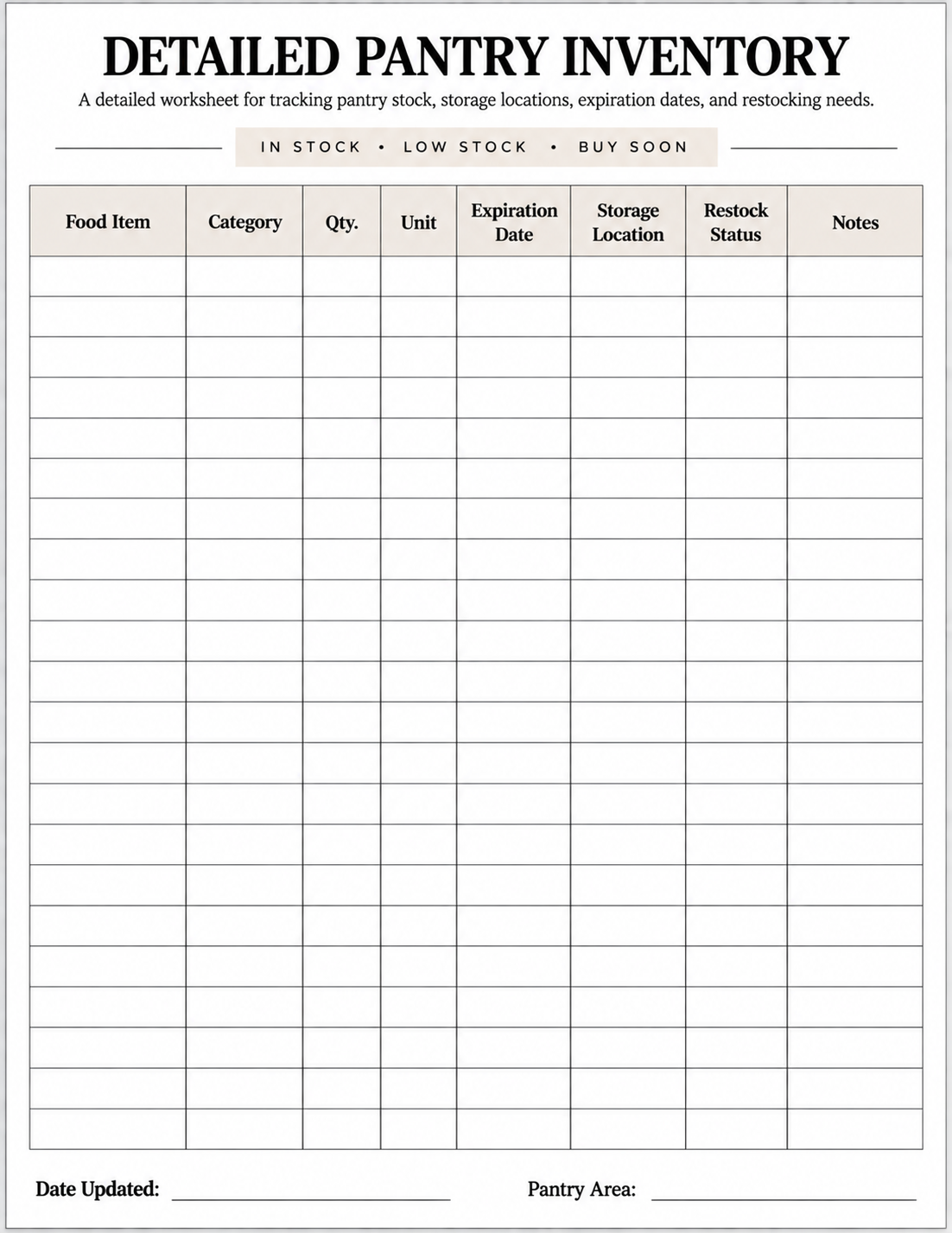
What’s included:
- Food Item
- Category
- Quantity and Unit
- Expiration Date
- Storage Location
- Restock Status
- Notes
- Date Updated
- Pantry Area
Download Detailed Pantry Inventory PDF
Pantry Expiration Tracker
The Pantry Expiration Tracker is designed for a more focused purpose: keeping an eye on items approaching their best-before dates. It includes fields for the food item, quantity, best-before date, whether the item should be used soon, and notes, along with areas for the date reviewed and the next review date.
This option can work particularly well when expiration tracking is your main priority. Instead of recording every detail about storage, you can concentrate on the dates that deserve attention.
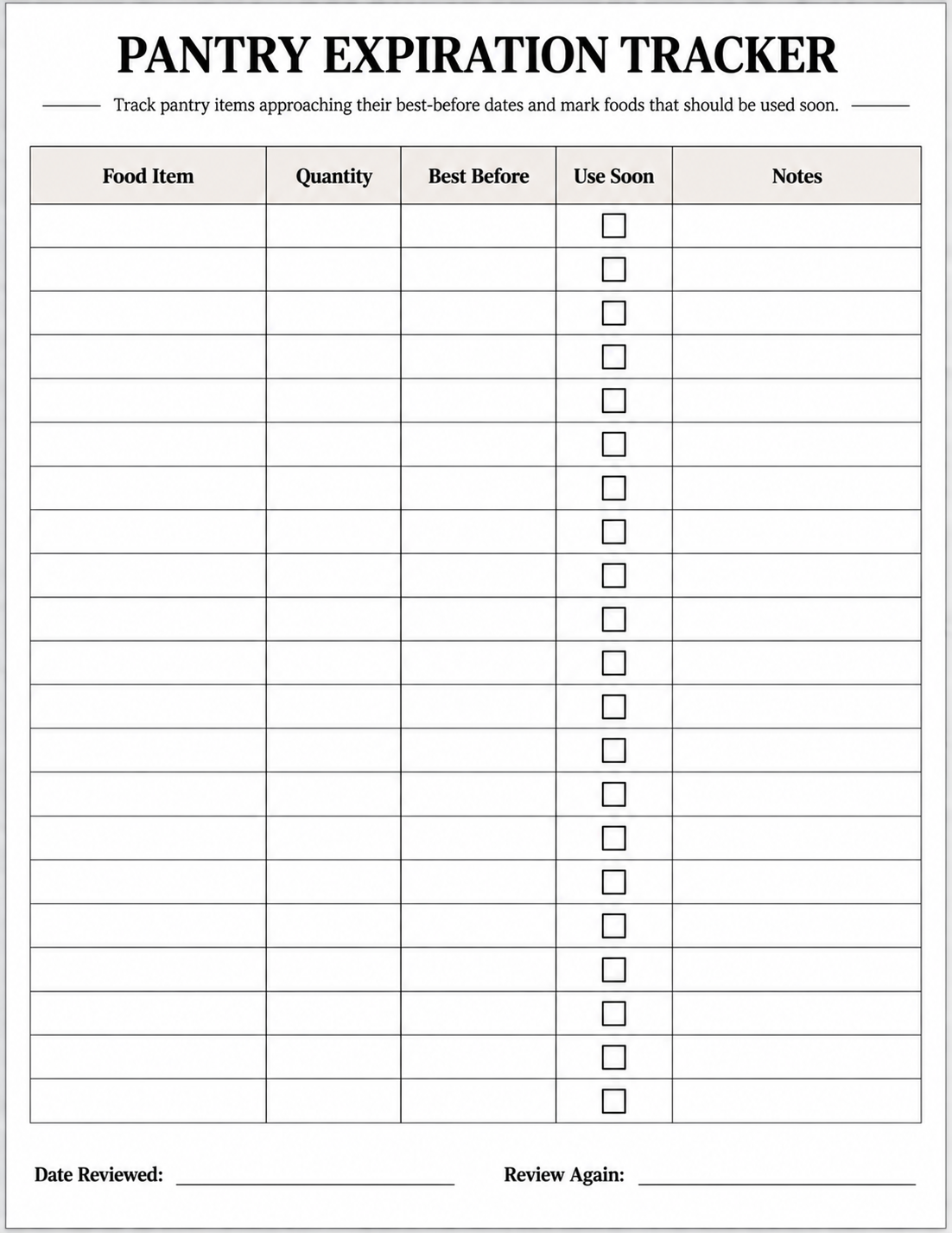
What’s included:
- Food Item
- Quantity
- Best Before
- Use Soon
- Notes
- Date Reviewed
- Review Again
Download Pantry Expiration Tracker PDF
How to Print and Use Your Pantry Inventory Template
Once you have selected a template, printing and using it is straightforward. The worksheets are designed around a standard US Letter page, making them suitable for common home and office printers.
Choose the Right Template
Start with the template that matches your needs. Use the Basic Pantry Inventory for straightforward tracking, the Detailed Pantry Inventory when you need storage and restocking information, or the Pantry Expiration Tracker when monitoring best-before dates is your main priority.
Print on US Letter Paper
For the best result, print the worksheet on standard US Letter paper using portrait orientation. If your printer provides a scaling option, use Actual Size or 100% when appropriate so the worksheet maintains its intended proportions.
Fill It Out by Hand
After printing, begin with the pantry area you want to organize. Record the items systematically rather than trying to remember everything at once. A handwritten worksheet can be convenient when you are checking shelves and organizing supplies.
Review Your Inventory Regularly
An inventory becomes more useful when it is kept reasonably current. Consider reviewing it after a major grocery trip, when supplies change significantly, or as part of a regular household organization routine.
Frequently Asked Questions
What is a pantry inventory template?
A pantry inventory template is a worksheet for recording the food and supplies you keep in your pantry. Depending on the design, it may include fields for item names, categories, quantities, expiration dates, storage locations, restock status, and notes.
What should I include in a pantry inventory?
At minimum, you can record the food item and quantity. Adding categories, expiration dates, storage locations, and restock status can make the inventory more useful, especially if you have a large or frequently changing pantry.
How often should I update my pantry inventory?
There is no single schedule that works for everyone. You may find it practical to review your inventory after grocery shopping or whenever a significant number of items are added or removed. The important thing is to choose a routine you can maintain.
Can I use a pantry inventory template to track expiration dates?
Yes. A pantry inventory can include an expiration date field, while a dedicated expiration tracker can provide a more focused way to monitor items approaching their best-before dates.
What is the difference between a pantry inventory and a grocery list?
A pantry inventory records what you already have, while a grocery list records what you plan to purchase. You can use the inventory as a reference when creating your grocery list.
Can I print the pantry inventory template?
Yes. The printable worksheets on this page are designed for printing on standard US Letter paper. You can print a blank copy and fill it out manually as you organize your pantry.
Which pantry inventory template should I use?
Choose the Basic Pantry Inventory for straightforward tracking, the Detailed Pantry Inventory when you want storage and restocking fields, or the Pantry Expiration Tracker when monitoring best-before dates is your main goal.
Final Thoughts
Keeping a pantry inventory does not have to become another complicated household task. A simple worksheet can give you a clear overview of your supplies, help you notice items that are running low, and make expiration dates easier to review.
The right template depends on how much information you want to track. Start with the simplest option that meets your needs, then build a regular review habit around it. Whether you prefer a basic inventory, a detailed stock sheet, or a dedicated expiration tracker, a printable format gives you a practical way to keep your pantry information organized and easy to access.
Choose your preferred printable pantry inventory template above, print it, and start building a pantry inventory system that works for your household.